
Yes. But the word “encrypted” is doing a lot of hiding, and the part it hides is the only part that matters.
Almost every cloud service encrypts your files. Google Drive, Dropbox, iCloud, and OneDrive all scramble your data in transit and again while it sits on their disks, and they will tell you so in their marketing. What they tend not to put on the front page is that they also hold the keys. The files are locked, and the provider keeps a copy of the key in its pocket. So the real question is never “is my cloud encrypted.” It is “who can unlock it.”
Three ways to actually encrypt your cloud
Once you know the difference, you have three honest options.
Switch to a zero-knowledge provider. The cleanest fix is storage built this way from the start. Proton Drive and Filen are open-source and audited, Tresorit is owned by the Swiss postal service, and Internxt runs from Spain under EU law. They behave like Dropbox; your files just happen to be unreadable to the company holding them. See the full ranked list under encrypted cloud storage.
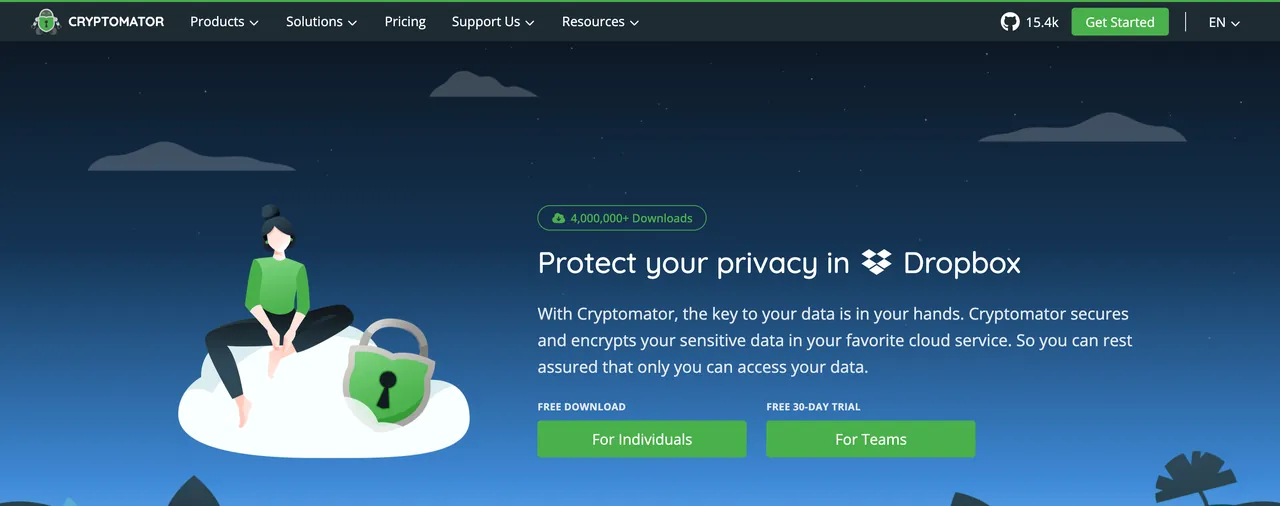
Keep your current cloud, encrypt before it syncs. If you are locked into Google Drive or iCloud for work, you do not have to move. Cryptomator creates an encrypted vault inside your existing storage folder. Files are encrypted on your device first, then the scrambled versions sync up like anything else. It is open-source, independently audited, and runs on every platform, so you get zero-knowledge protection layered on top of a cloud you already pay for. More options under secure file encryption.
Lock a single file in your browser. For a one-off, a tax return you are emailing or one document headed into shared storage, our own VERNAM encryptor seals a file behind a passphrase entirely in your browser. Nothing uploads, and the code is open for anyone to inspect.
”Encrypted” means two completely different things
There are two kinds of encrypted cloud storage, and they are worlds apart.
The first kind is encryption where the provider keeps the key. Your files are scrambled on the company’s servers, but the company can unscramble them whenever it needs to: to show you a preview, to scan for banned content, to reset your password, or to answer a subpoena. Mainstream storage works this way. The lock is real, but you are not the only one holding a key.
The second kind is zero-knowledge encryption, also called end-to-end. Your files are encrypted on your own device, with a key derived from a password only you know, before anything leaves your computer. The provider stores data it genuinely cannot read. A breach or a court order turns up nothing but scrambled bytes. This is what people mean when they say a cloud is actually private.
How to tell which kind you have
You do not need to read a whitepaper. One question sorts almost every service: if you forget your password, can the provider get your files back?
If the answer is yes, they can recover your account and your data, then they hold a key to your files, and so does anyone who can compel them. If the answer is no, if losing your password means the data is genuinely gone, that is the signature of real zero-knowledge encryption. The same limitation that can lock you out is what locks everyone else out too. A provider that scans your uploads, generates rich previews of every document, or offers to “recover” lost files is telling you, between the lines, that it can read what you store.
The trade-off nobody mentions
Real encryption cuts both ways. If the provider cannot read your files, the provider cannot rescue them either. Lose your password or recovery key and the data is gone for good, with no support ticket that brings it back. That is not a flaw. It is the whole point, and it is the price of being the only person who can open your own files.
So protect the key like it is the data, because it effectively is. Keep your password in a password manager, write down the recovery code the service gives you, and store that code somewhere safe and offline. Do that, and “can cloud storage be encrypted” stops being a question about your provider and becomes a question about you, which is exactly where it should be.