 Notes

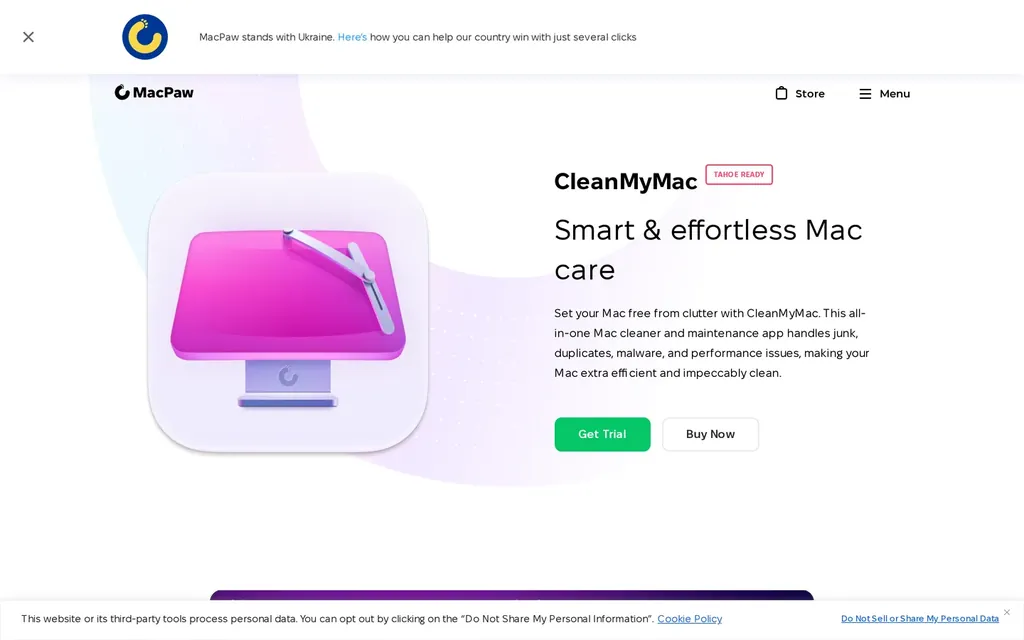
Available for Windows and Mac. Beautiful designed user interface, perfect for beginners and people who appreciate a well-designed software. Cleans up junk files and speeds up your system in no time.
Reviewed by Marcus Holmberg

CleanMyMac & PC
macpaw.com/cleanmymac 5.0 (5)
Rate CleanMyMac & PC: No account needed
Threat level
Covered
A covered pick. Anyone can use it as a private drop-in, with no setup or know-how. Enough for most people. Threat levels
Our take
A polished, beginner-friendly cleaner that earns its reputation on interface and hand-holding rather than raw power. If a clear dashboard and one-click junk removal is what gets you to actually maintain your machine, that’s worth real money. Be honest with yourself about whether you need it, though: a lot of what it does, clearing caches and uninstalling apps, you can do for free with a little patience. Good for people who value ease over saving the subscription.
Website at a glance
macpaw.com
B score 70
Solid website security headers
Graded by Mozilla HTTP Observatory, tested today
Inspect this site yourself
Measures the security configuration of the tool's own website, not the privacy of the product itself. A strong tool can still score low here.
CleanMyMac & PC alternatives

Gemini 2 Detect and delete duplicates. It's smart, laser accurate, and recovers tons of space on your Mac.

Czkawka No privacy features but a neat little tool to declutter your computer and free disk space.

ExifCleaner Removes metadata for the most popular image and video formats. It also supports PDF files and comes with batch-processing to process multiple files at once. Drag and Drop…

ExifEraser File support: JPEG, PNG and WebP.

Metapho Strips out metadata or remove location data only. Share without metadata just before sharing.

BleachBit Shredding files and wiping unallocated disk space to minimize data remanence.